Catsplash
A minimalist Go captive portal that blocks Internet access until terms are accepted, then releases traffic safely on temporary Wi-Fi networks.
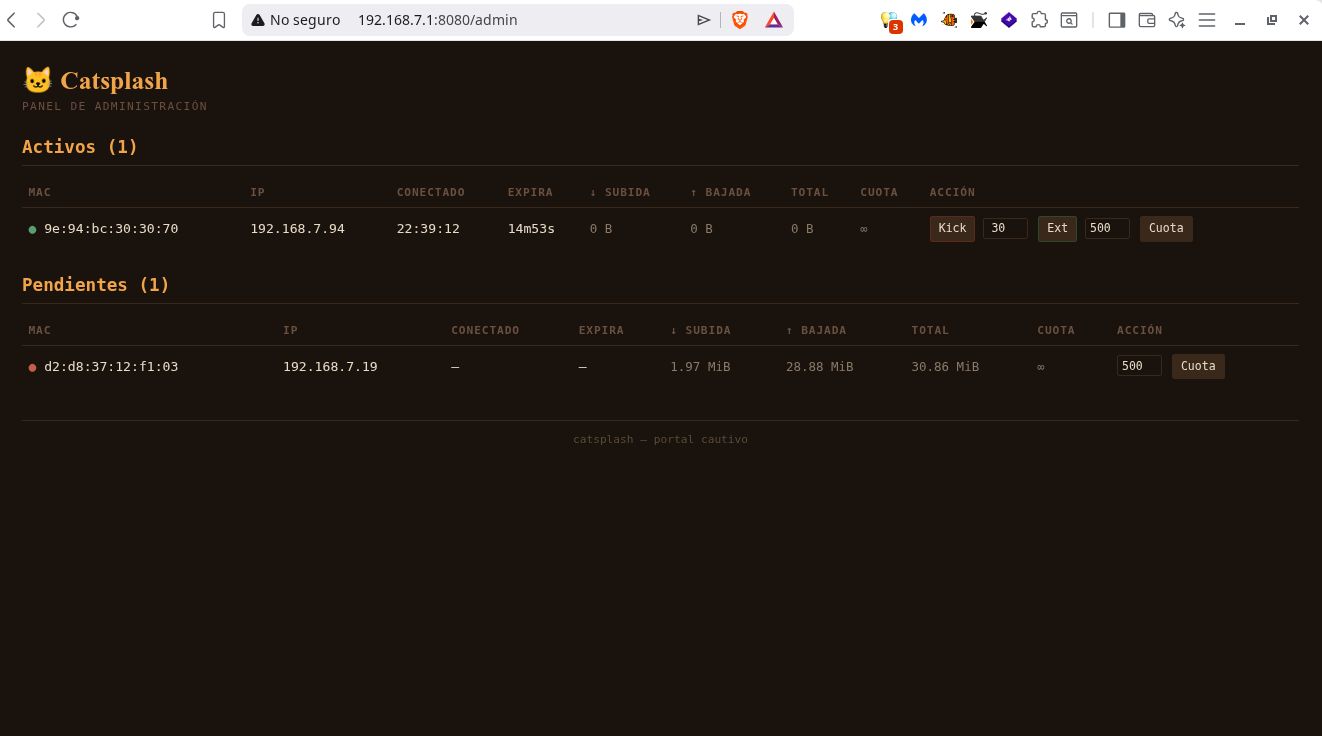
Key Features
CNA-Compatible Captive Portal
HTTP redirection to the portal with support for the Android and iOS Captive Network Assistant so it opens automatically.
Dynamic iptables Firewall
Rules injected and cleaned atomically per authenticated client, never leaving dangling traffic after sessions close.
SQLite-Backed Sessions
Client and session management with absolute-time and inactivity expiration, designed for low-resource hardware.
catsctl CLI & Admin Panel
Status queries, client listing and session control from the terminal or the password-protected web panel.
Important Project Flows
Three pillars that took the project beyond code: experimental verification, legal compliance and networking expertise.
Network Namespaces Lab
- ▸Full topology inside the kernel: ns_router (AP + WAN), ns_wan (simulated internet) and up to ns_client[1..100] each with its own IP and MAC.
- ▸Bursts of 100 concurrent clients: 100% successful requests, 13.6% peak CPU and under 24 MB RSS on a Core 2 Duo.
- ▸Automated test suite: multi-client soak tests, resource monitoring and CSV results kept in version control.
LOPDP Compliance (Ecuador)
- ▸Explicit consent before connecting: backend-validated checkbox with acceptance timestamp.
- ▸ARCO+ rights implemented: access/portability (/data-request) and deletion (/data-deletion) endpoints.
- ▸Documented DPIA, data inventory and retention plan; access audit trail and truncated SHA-256 MAC anonymization.
Linux Network Handling
- ▸Integration with hostapd (access point) and dnsmasq (DHCP/DNS) on real Wi-Fi interfaces.
- ▸Guided setup.sh installer that prepares dependencies, firewall rules and system configuration under /opt/catsplash.
- ▸Advanced networking, Wi-Fi security and connectivity troubleshooting guides included in the docs.
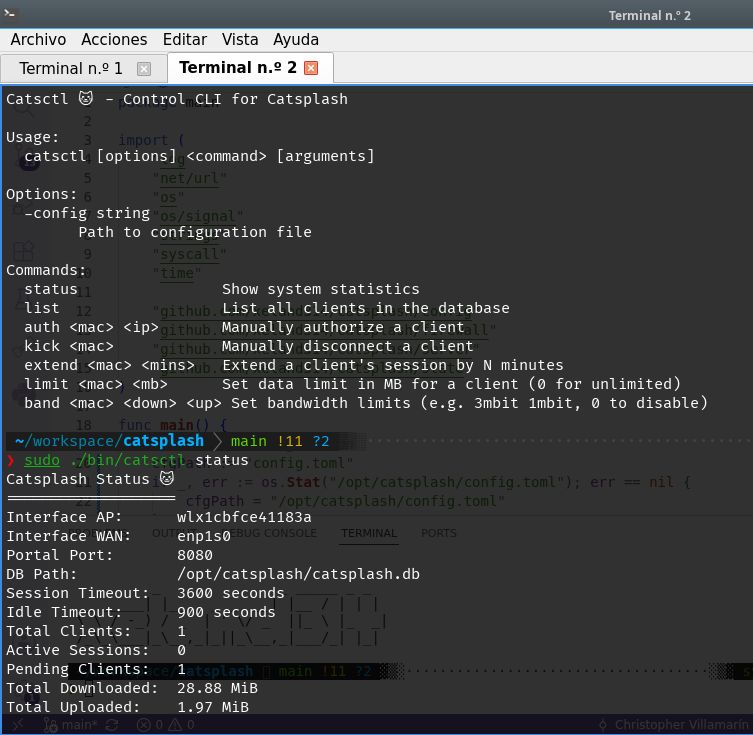
catsctl · CLI
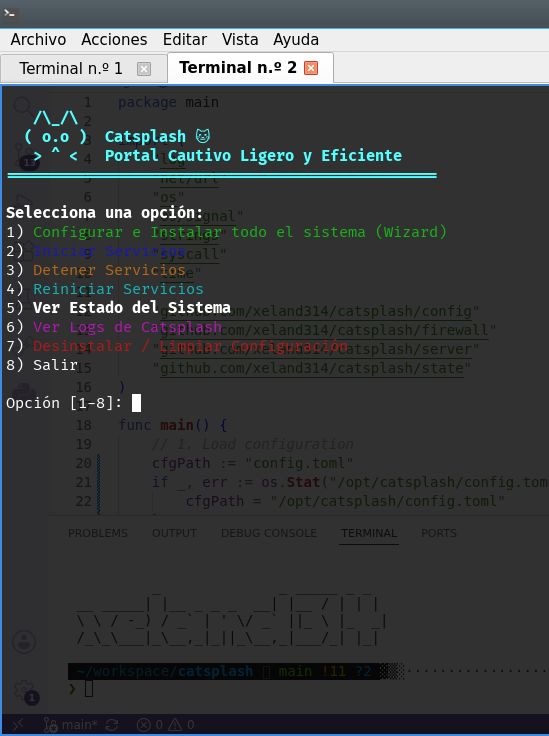
setup.sh · Installer
Full Documentation
Installation guides, architecture, performance and networking docs, plus the LOPDP compliance analysis, available on the documentation site and repository.