🔗 URL Shortener
A simple and efficient URL shortener service, built with Django and Django REST Framework. This service allows users to shorten long URLs, track how many times they are accessed, and manage their URLs through a RESTful API.
🛠️ Technologies Used
- Backend: Django, Django REST Framework
- Database: PostgreSQL (recommended), SQLite (default)
- Cache/Broker: Redis
- Asynchronous Tasks: Celery
- Frontend: HTML, Tailwind CSS, HTMX
✨ Main Features
- Shorten long URLs and retrieve the originals.
- Track the number of accesses to a shortened URL.
- RESTful API to create, get, update, and delete URLs.
- User Authentication: Registration, login, and logout.
- User-Specific URLs: URLs can be associated with authenticated users.
- Permissions: Only the owner or a superuser can modify or delete a URL.
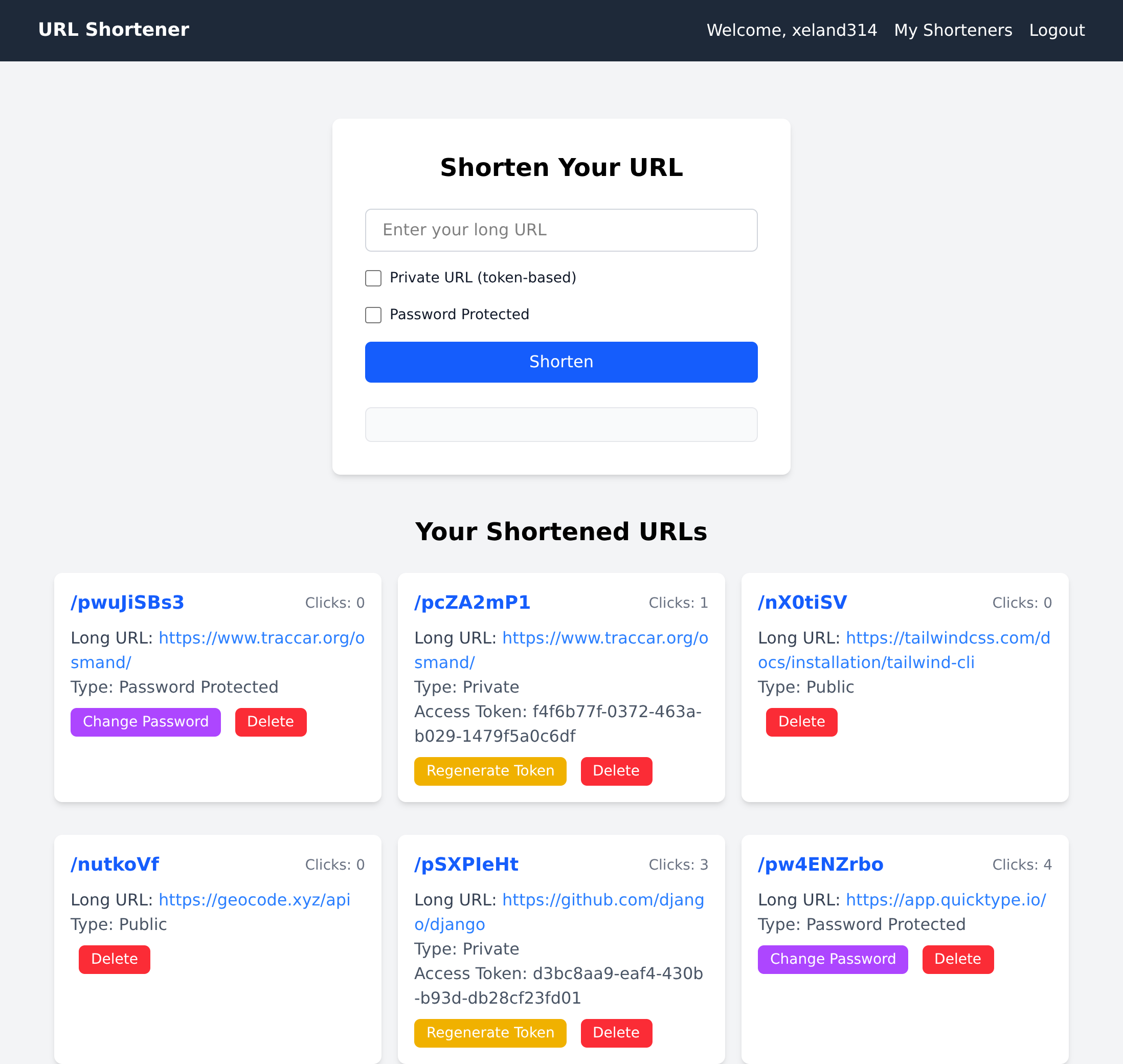
- Interactive Dashboard: Authenticated users can manage their URLs (delete, change password, regenerate token) using HTMX.
- URL Expiration:
- Anonymous URLs expire and are deleted after a certain time.
- User URLs expire and are marked as inactive.
- Background Tasks: Uses Celery for asynchronous operations like URL expiration.
- Cache: Uses Redis as a cache to improve performance.
🔑 URL Shortener Types
The service supports three types of shortened URLs, each with a different access mechanism:
- Passwordless Shorteners (Public)
They behave like any traditional shortener. When clicking on the shortened URL, the user is redirected directly to the original URL.
- Token-based Shorteners (Private)
These shorteners require an access token to be used. The token must be passed as a parameter in the URL, in UUID4 format. For example:
/p_shorturl/?token=mytoken.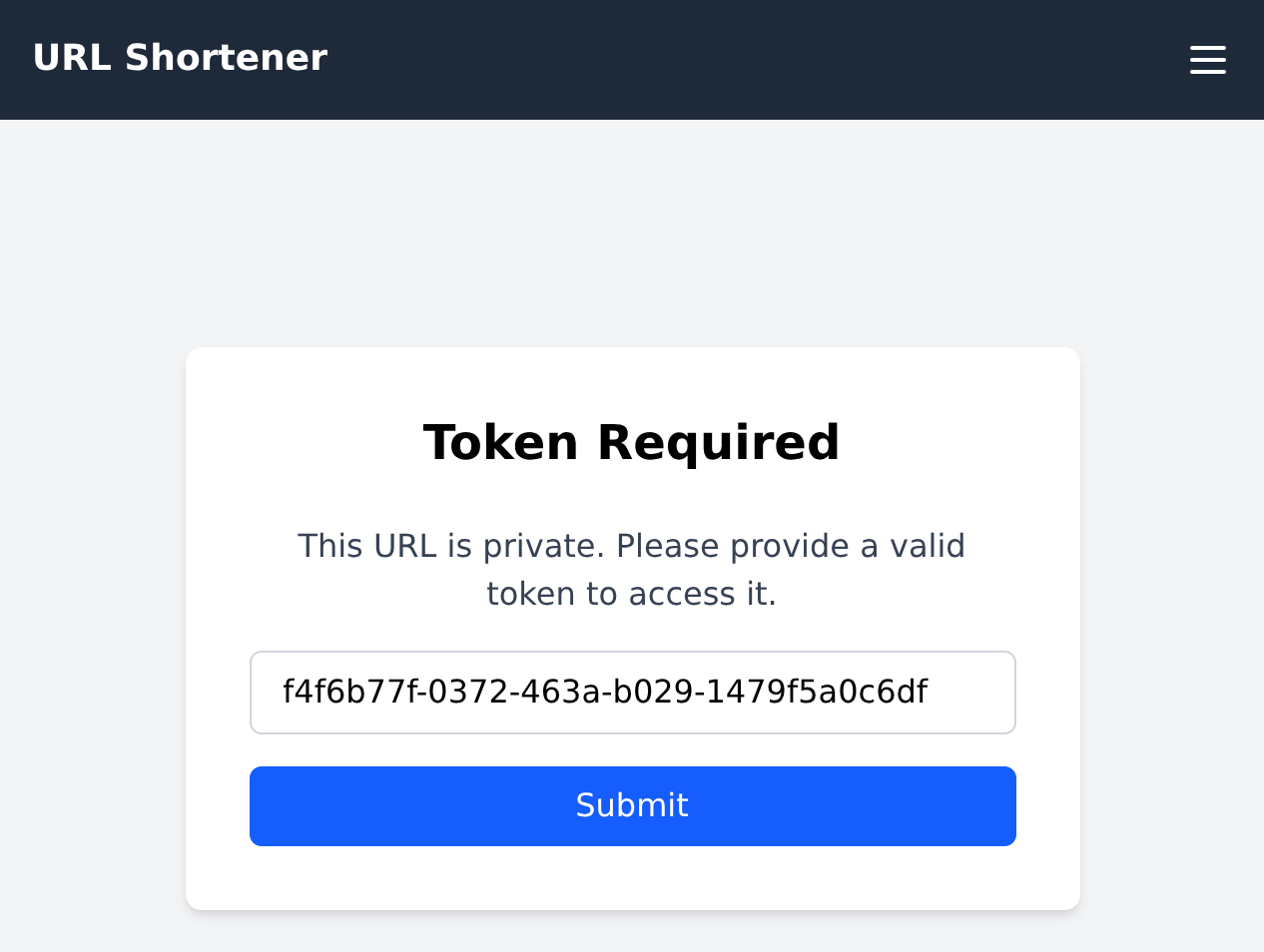
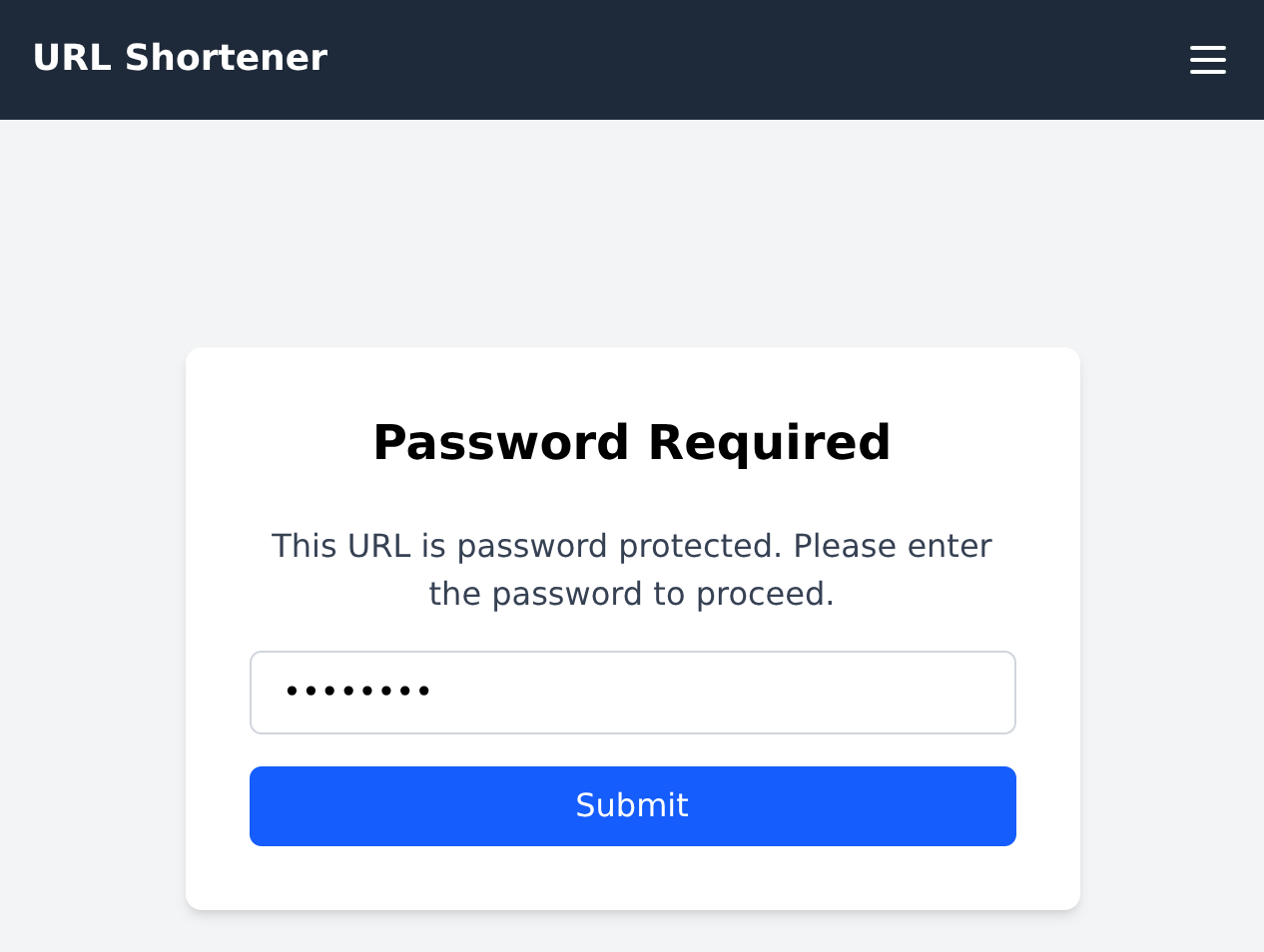
- Password-protected Shorteners (Private)
To access these URLs, the user must provide a password. The system redirects the user to a password form or requires the password to be sent via a POST request. Once authenticated, the browser session is maintained for future redirections.
⚙️ Installation
- Clone the repository: git clone https://github.com/xeland314/urlshortener.gitcd urlshortenerbash
- Create a virtual environment and install dependencies (using `uv`): uv venvsource .venv/bin/activateuv pip install -r requirements.txtbash
- Set up environment variables:
Create a
.envfile in the project root and add:DATABASE_URL=sqlite:///db.sqlite3SECRET_KEY=your_django_secret_keyREDIS_LOCATION=redis://127.0.0.1:6379/0env - Apply migrations: python manage.py makemigrations && python manage.py migratebash
- Create a superuser (optional): python manage.py createsuperuserbash
- Install Node.js dependencies: npm installbash
- Compile Tailwind CSS: npm run build:cssbash
🚀 Running the Application
To run the full application, you need the Django server, a Redis server, and Celery workers.
- Start the Redis Server:
If you use Docker:
docker run -d -p 6379:6379 redis/redis-stack-server:latestbash - Start the Celery Worker:
In a new terminal:
celery -A urlshortener worker -l infobash - Start Celery Beat:
In another terminal (for scheduled tasks):
celery -A urlshortener beat -l infobash - Run the Django Development Server:
In your main terminal:
python manage.py runserverbash
Access the application at http://127.0.0.1:8000/.
🧪 Unit Tests
The project includes a comprehensive set of tests to validate the model logic, API, and redirection flows.
python manage.py test
📄 License
This project is under the MIT License.
See the LICENSE file for more details.
🙏 Acknowledgements
This project was inspired and guided by the URL Shortening Service Project from roadmap.sh .